






Description
Download Private Internet Access VPN APK – secure, privacy, online protection, anonymous, ad blocker, malware blocker, encryption, no-log policy, MACE, static IP, unlimited devices, global servers
Overview
Private Internet Access VPN APK is a freemium security and privacy tool designed to protect users’ online identities while browsing. The application secures internet connections through high-grade encryption, helping users defend against threats such as phishing, hacking, and data interception. It enables anonymous browsing by masking digital footprints, making it ideal for individuals who prioritize online privacy. The software is tailored for both casual users and privacy-conscious individuals seeking robust protection across multiple devices. The developer, Private Internet Access, has positioned the tool as a comprehensive privacy solution with features focused on transparency and user control. It supports a wide range of real-world use cases, including secure remote access, bypassing geo-restrictions, and protecting sensitive data on public networks. The app is available for Android devices and offers a one-month free trial period before requiring a subscription for continued use. While the software is designed to be user-friendly, some users may encounter technical issues during operation. The developer did not provide additional system requirements or performance benchmarks.
Key Features & Capabilities
- High-Grade Encryption: Secures all internet traffic using advanced encryption protocols to prevent unauthorized access to personal data.
- No-Log Policy: Ensures that user activity and connection logs are not stored, reinforcing user anonymity and privacy.
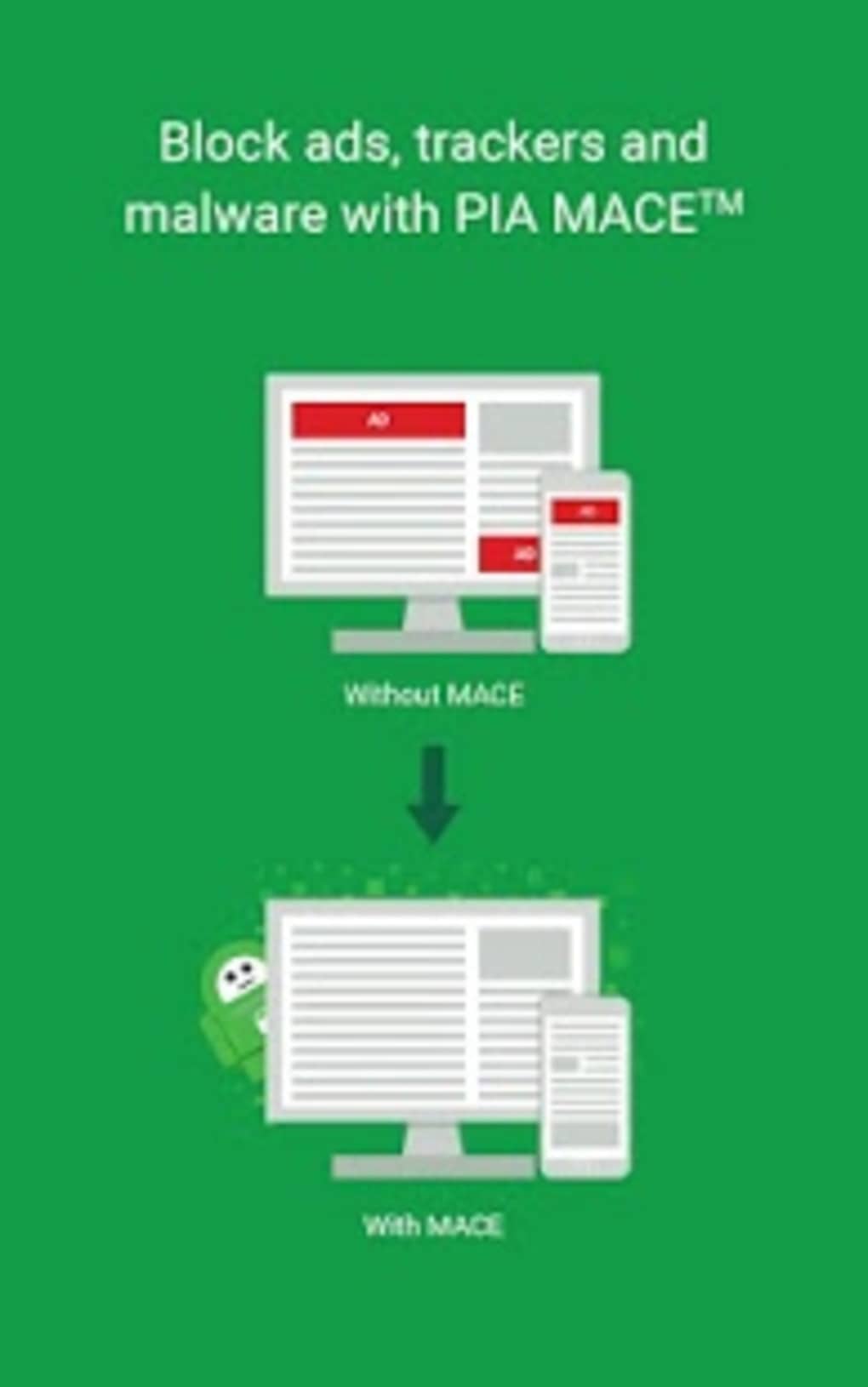
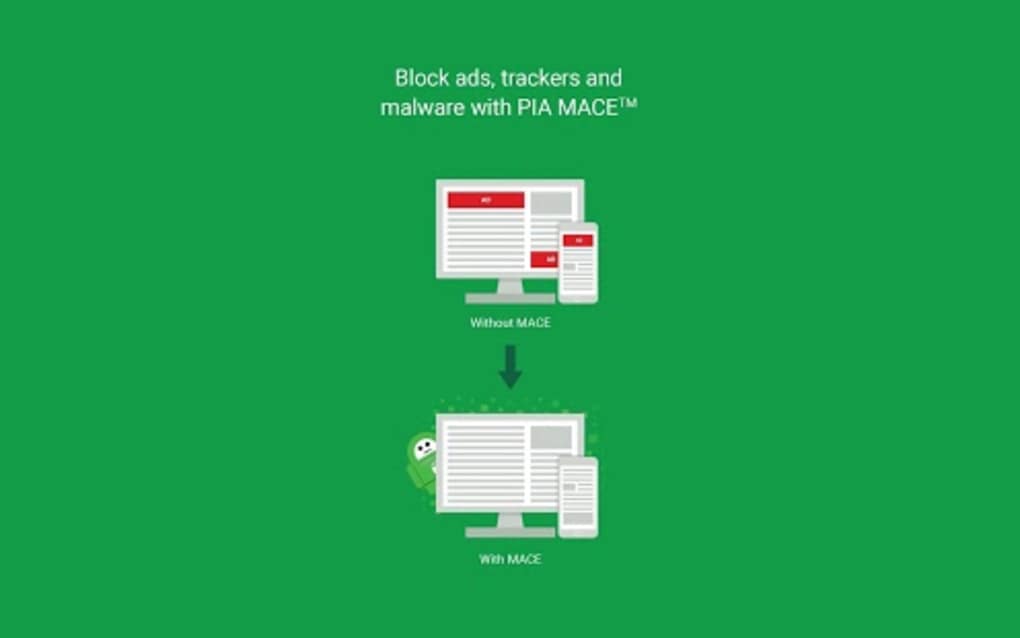
- MACE (Malware, Ads, and Content Blocker): Built-in feature that blocks ads, trackers, and malicious content with a simple toggle switch.
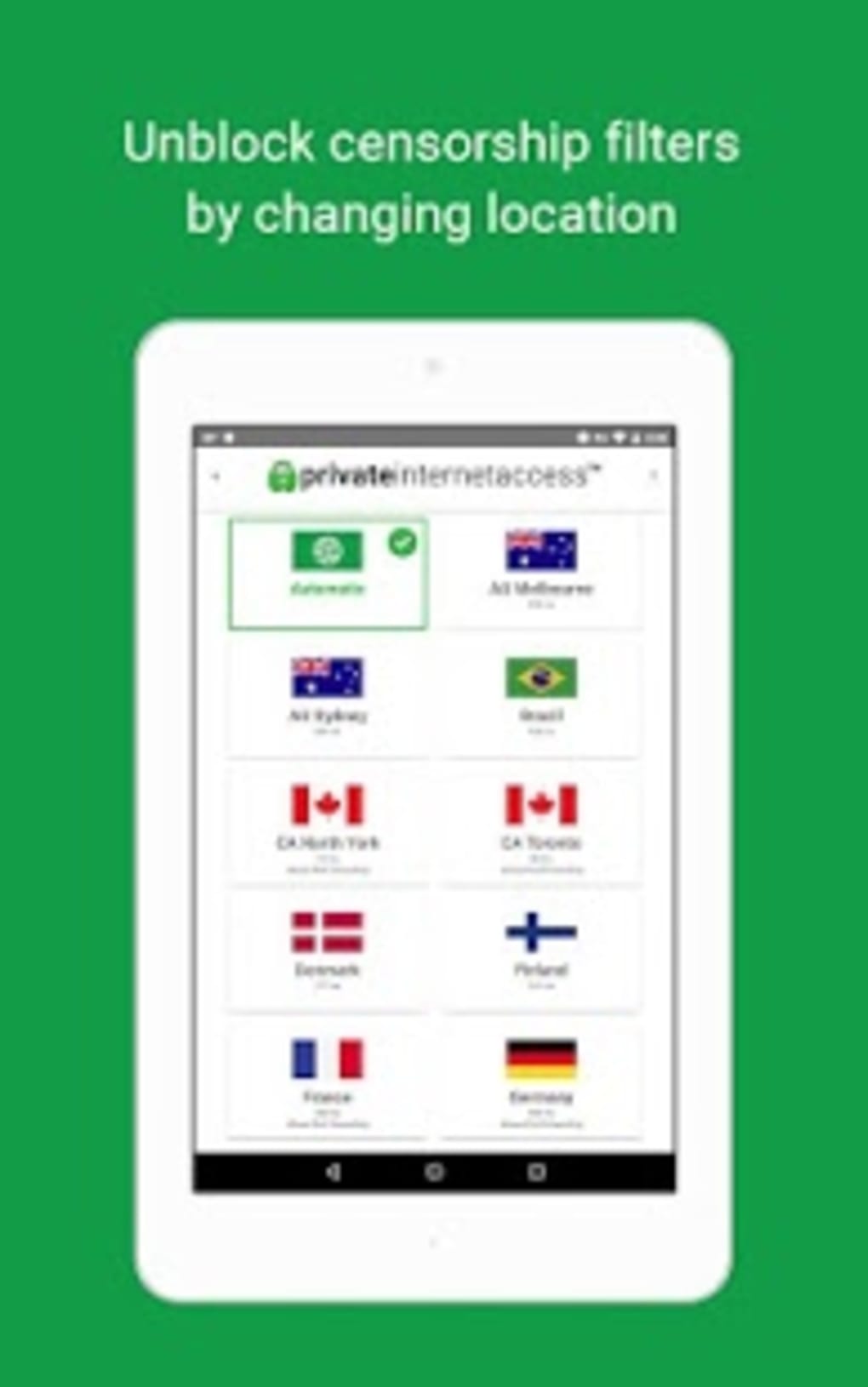
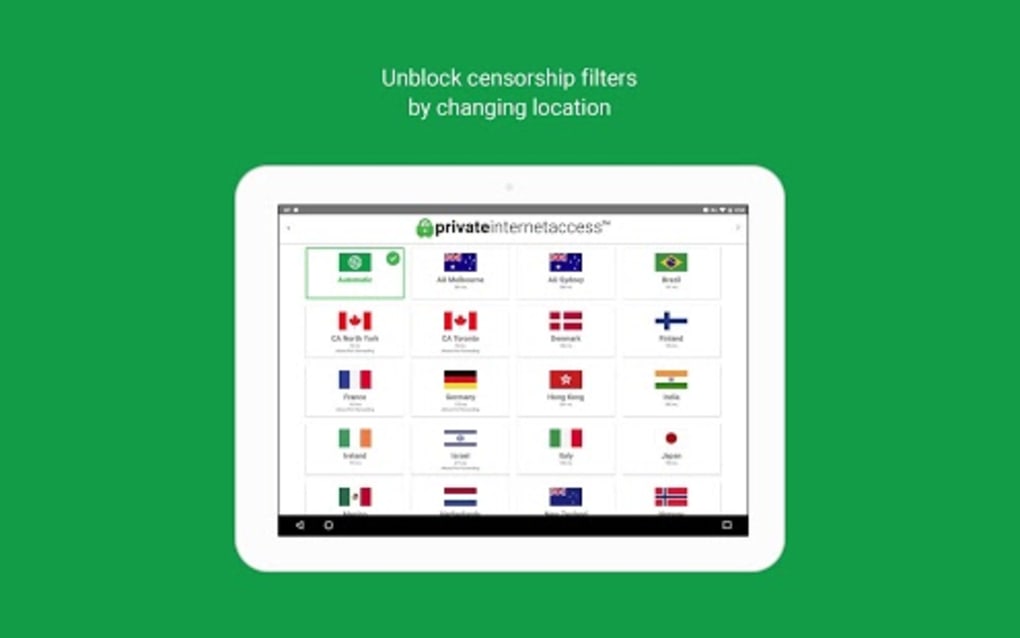
- Global Server Network: Access to over 30,000 servers across 77 countries, including the United States, France, and Germany, enabling users to connect from various regions.
- Server Speed Indicator: Displays connection speeds for each server before connecting, allowing users to choose optimal locations.
- Auto-Connect to Optimized Server: Automatically selects the best server based on user location for improved performance.
- Favorites List: Allows users to save preferred servers for quick access.
- Private Browser Integration: Includes a dedicated private browser to maintain privacy without switching between apps.
- Static IP Address Option: Offers dedicated IP addresses for consistent online identity, while maintaining encryption.
- Unlimited Device Support: One subscription allows secure connections on an unlimited number of devices, including smart TVs, gaming consoles, and routers.
User Interface, Workflow & Performance
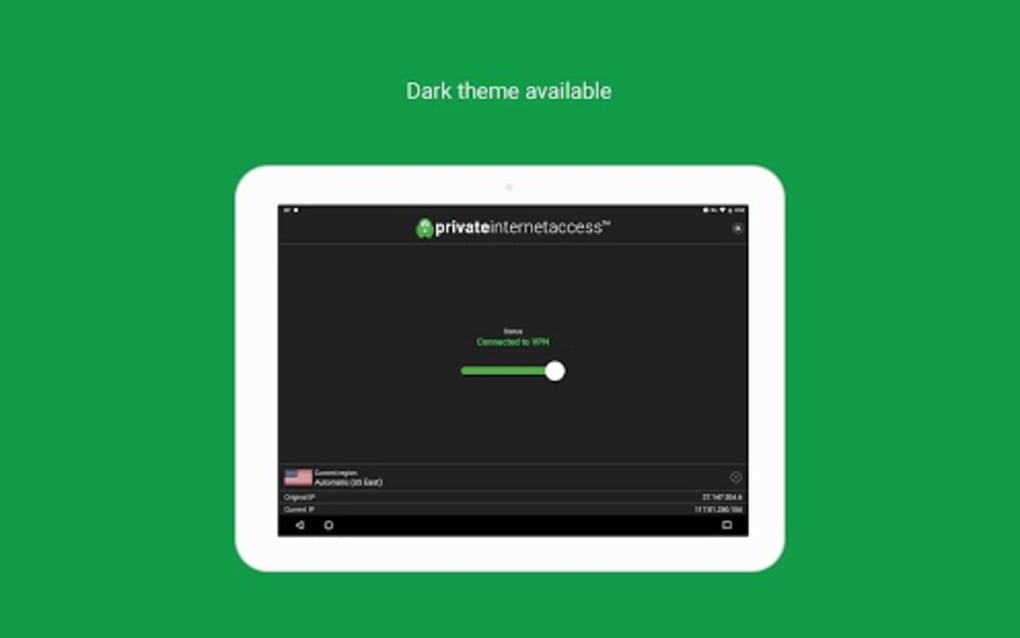
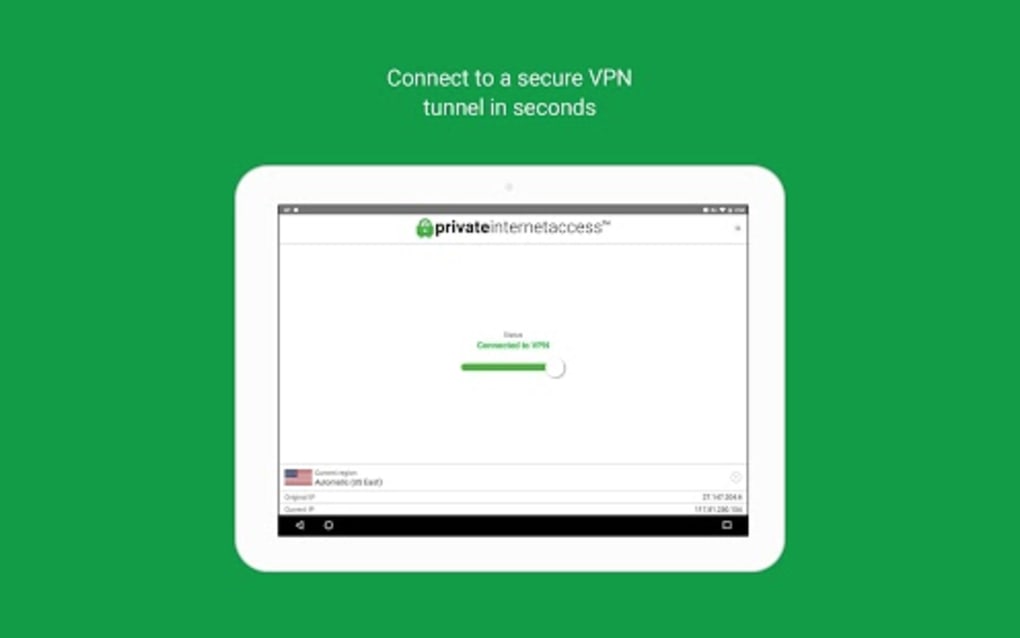
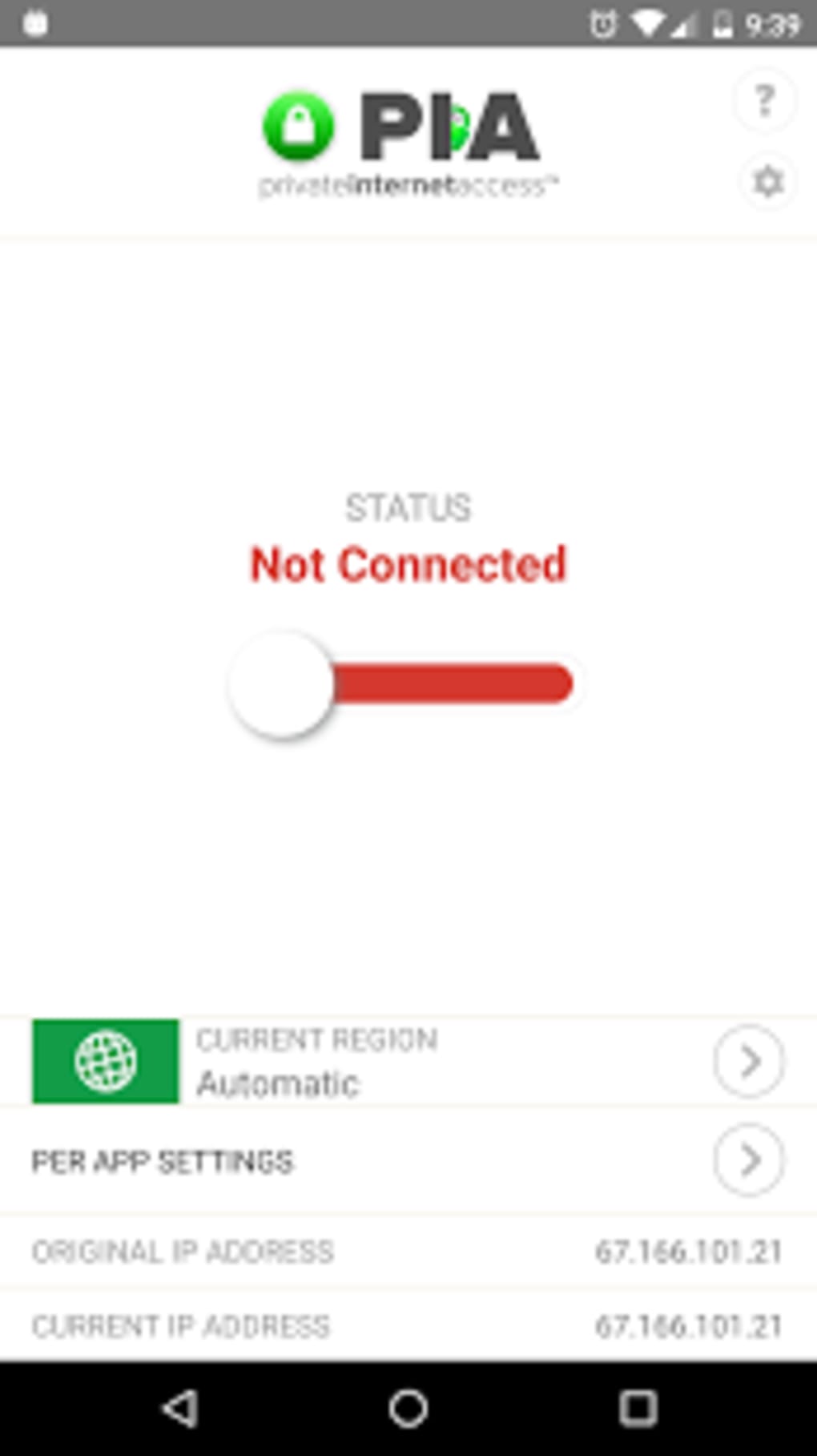
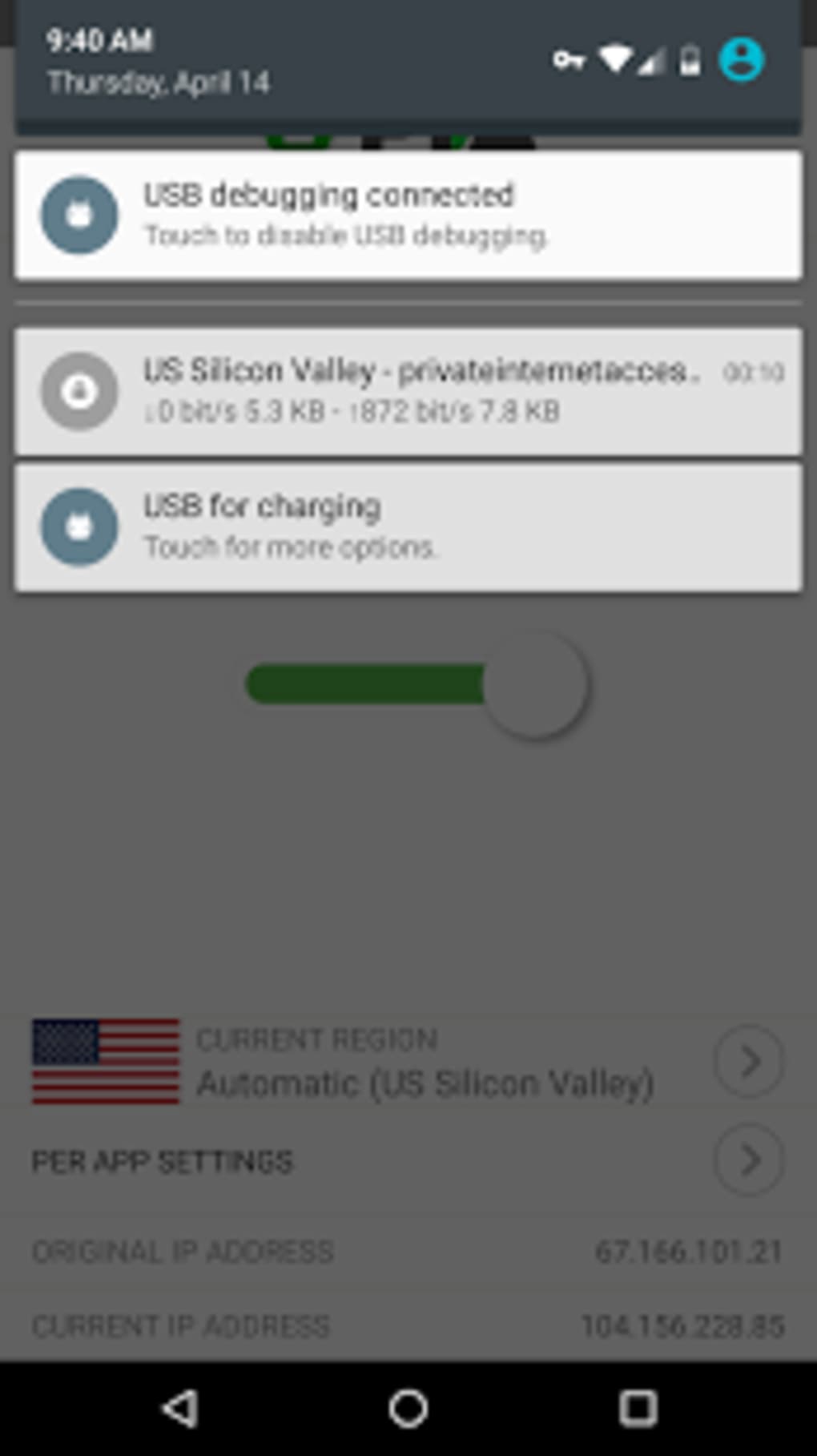
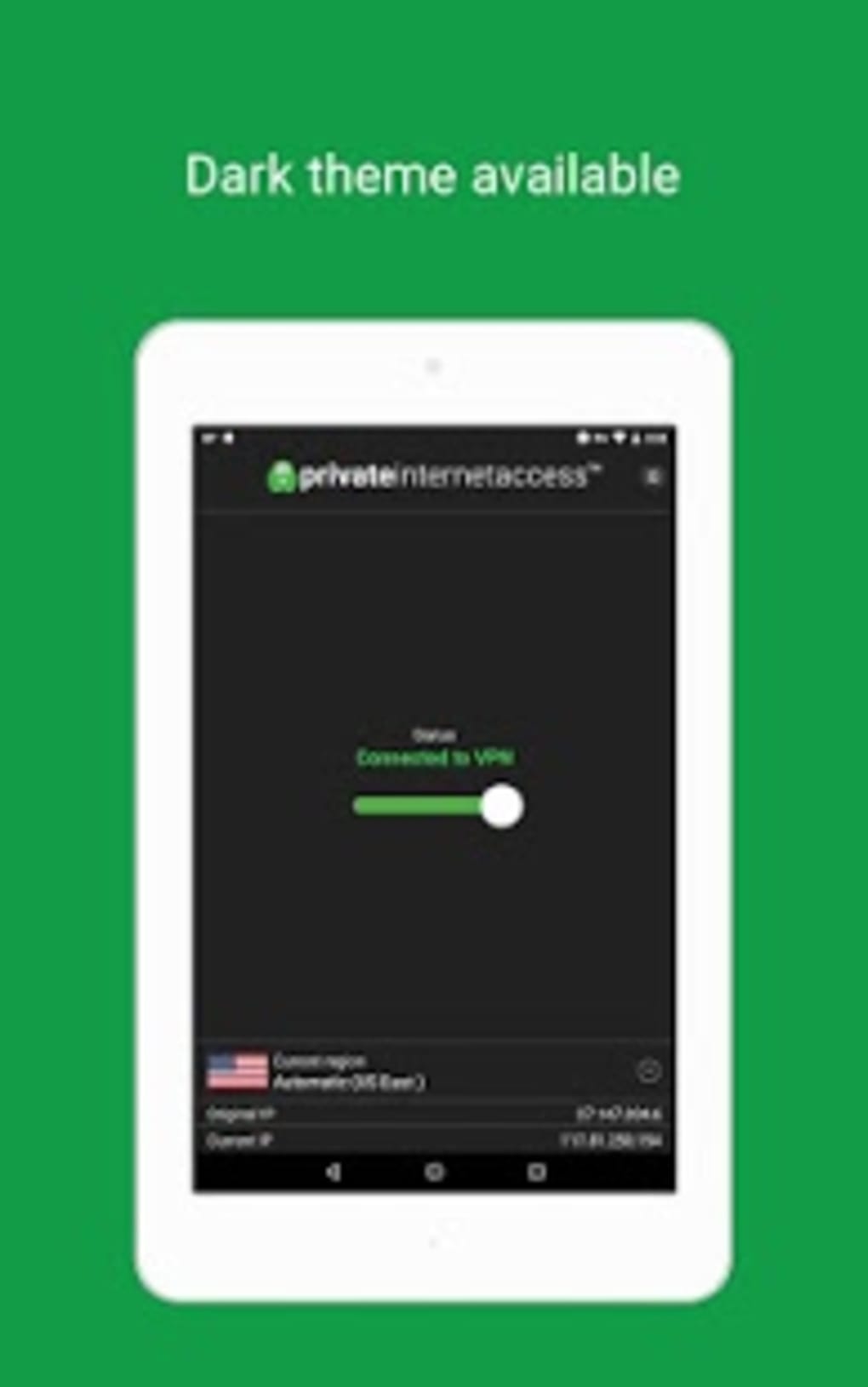
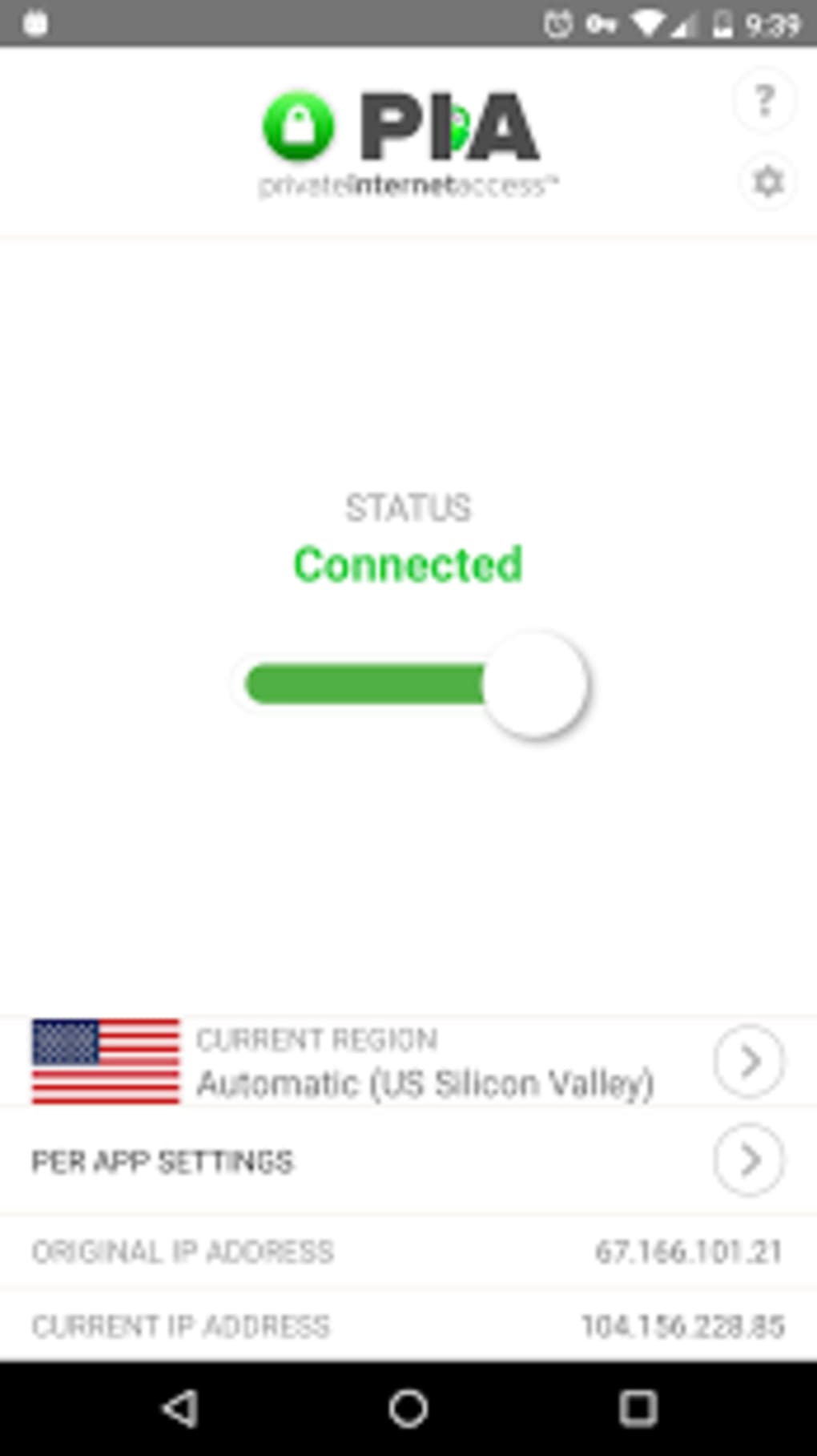
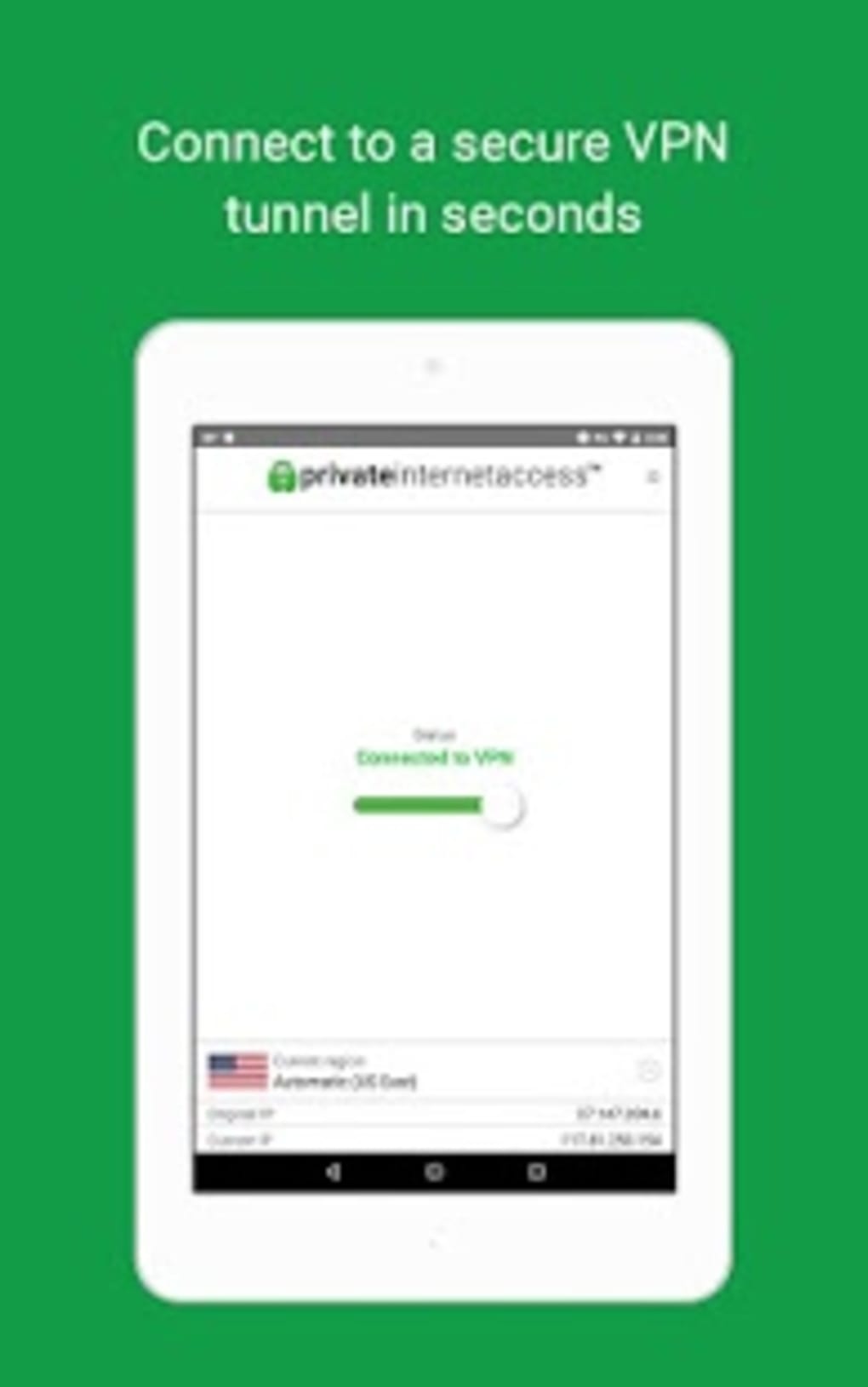
The user interface of Private Internet Access VPN APK is designed for intuitive navigation, with a clean layout that prioritizes essential functions. Main controls such as connect/disconnect, server selection, and MACE settings are accessible from the home screen. The workflow is straightforward: users can connect to a server with a single tap or manually select a preferred location. The app supports automatic server optimization and server speed previews, enhancing usability for both beginners and experienced users. However, some users have reported frequent issues with the application getting stuck on a loading screen, requiring a full restart to resolve. The developer did not specify resource usage details, so performance behavior in terms of CPU or RAM consumption remains unclear. Stability during prolonged use has not been verified. General software behavior patterns suggest that performance may vary depending on network conditions and device hardware. Users are advised to ensure their device meets standard Android requirements for smooth operation.
Compatibility & System Requirements
Private Internet Access VPN APK is designed for Android operating systems. The current version is 2.2.4, with a file size of 33.7 MB. The application is available for download on Android devices, though specific minimum OS versions were not provided. The developer did not list exact system requirements, including RAM, processor, or storage space beyond the installation size. Compatibility with older Android versions or specific device models was not specified. Users should ensure their device is running a supported version of Android to avoid installation issues. The app supports a wide range of devices, including smartphones, tablets, and potentially smart TVs, gaming consoles, and routers through external configuration. The developer did not provide details on compatibility with non-Android platforms.
Pros and Cons
Pros
- Strong focus on privacy with a no-log policy and high-grade encryption
- Extensive global server network across 77 countries
- Integrated MACE feature blocks ads, trackers, and malware
- Supports unlimited device connections under one subscription
- Offers static IP address option for consistent online identity
- Includes a private browser for enhanced privacy
- Transparent warrant canary for legal request monitoring
- Free trial available for one month
- Hassle-free cancellation process with no questions asked
Cons
- Frequent loading screen errors reported by users
- Requires subscription after one-month free trial
- Exact system requirements not specified
- Performance impact on CPU and RAM not documented
- Limited information on compatibility with older Android versions
- Private browser integration may not be suitable for all workflows
FAQ Section
Is Private Internet Access VPN APK free to use?
The application offers a one-month free trial. After this period, continued use requires a paid subscription. The free version is limited to a single month of access.
Can I use Private Internet Access VPN on multiple devices?
Yes, one subscription allows connections on an unlimited number of devices, including smartphones, tablets, smart TVs, gaming consoles, and routers.
Does the app support a static IP address?
Yes, the service provides dedicated static IP addresses as an optional feature, which can be useful for specific online services or consistent identity management.
Is Private Internet Access VPN secure?
The app uses high-grade encryption and enforces a no-log policy. It also includes MACE to block malware and trackers. The developer maintains a warrant canary to ensure transparency about legal requests.
How do I cancel my subscription?
Private Internet Access offers a no-questions-asked cancellation process, allowing users to discontinue their subscription easily at any time.
Final Thoughts
Private Internet Access VPN APK delivers a powerful and privacy-focused solution for Android users seeking secure, anonymous browsing. With a vast network of over 30,000 servers across 77 countries, robust encryption, and a transparent no-log policy, it stands out as a reliable tool for protecting online activity. The inclusion of MACE, static IP options, and unlimited device support enhances its value for both casual and advanced users. While the app has faced reports of loading screen errors, its overall feature set and commitment to user privacy remain compelling. The free trial provides ample opportunity to evaluate its performance and capabilities. For individuals who prioritize online security, privacy, and global access, this VPN is a top-tier option. Download Private Internet Access VPN now.
Guides & Tutorials for Private Internet Access VPN APK
How to install Private Internet Access VPN APK
- Click the Preview / Download button above.
- Once redirected, accept the terms and click Install.
- Wait for the Private Internet Access VPN APK download to finish on your device.
How to use Private Internet Access VPN APK
This software is primarily used for its core features described above. Open the app after installation to explore its capabilities.
User Reviews for Private Internet Access VPN APK 0
No reviews found





